Learn everything your iHomeegy home can do
Step-by-step guides with real screens from the app: adding units, controlling every card, scenes and automations, sharing with your family, and linking Alexa, Google Home, SmartThings and Home Assistant.
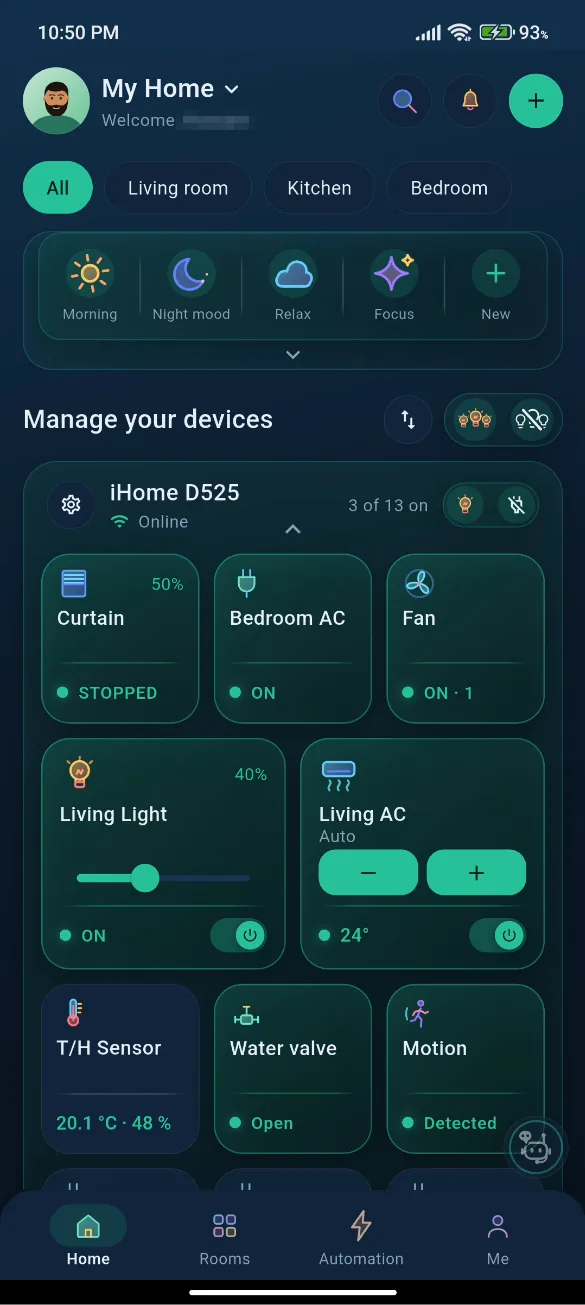
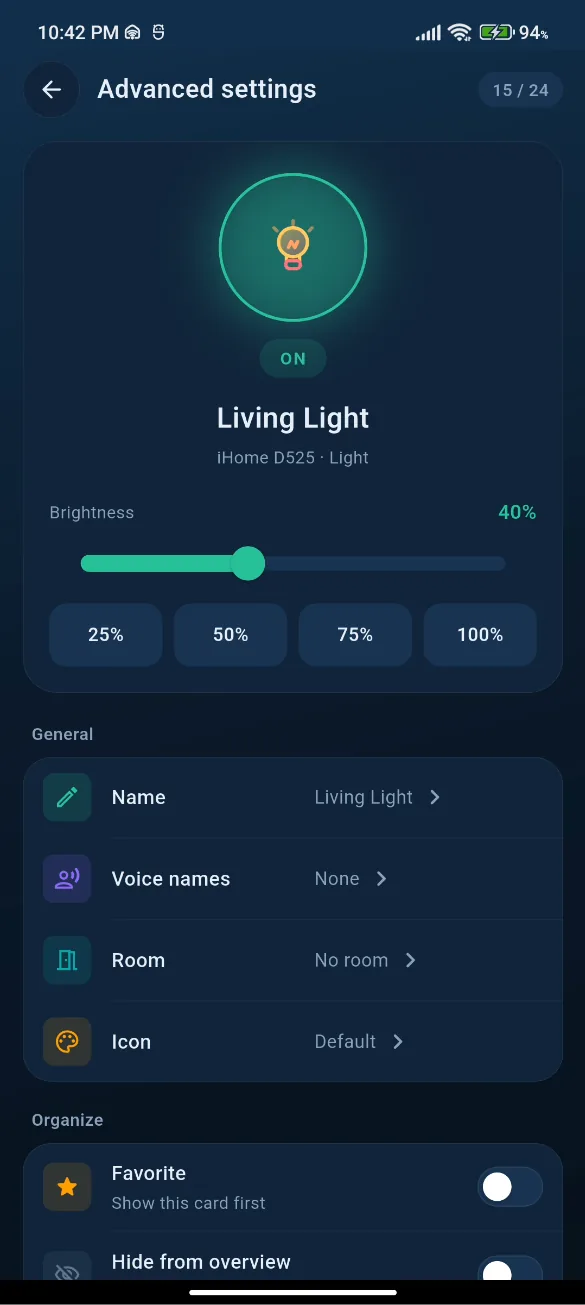
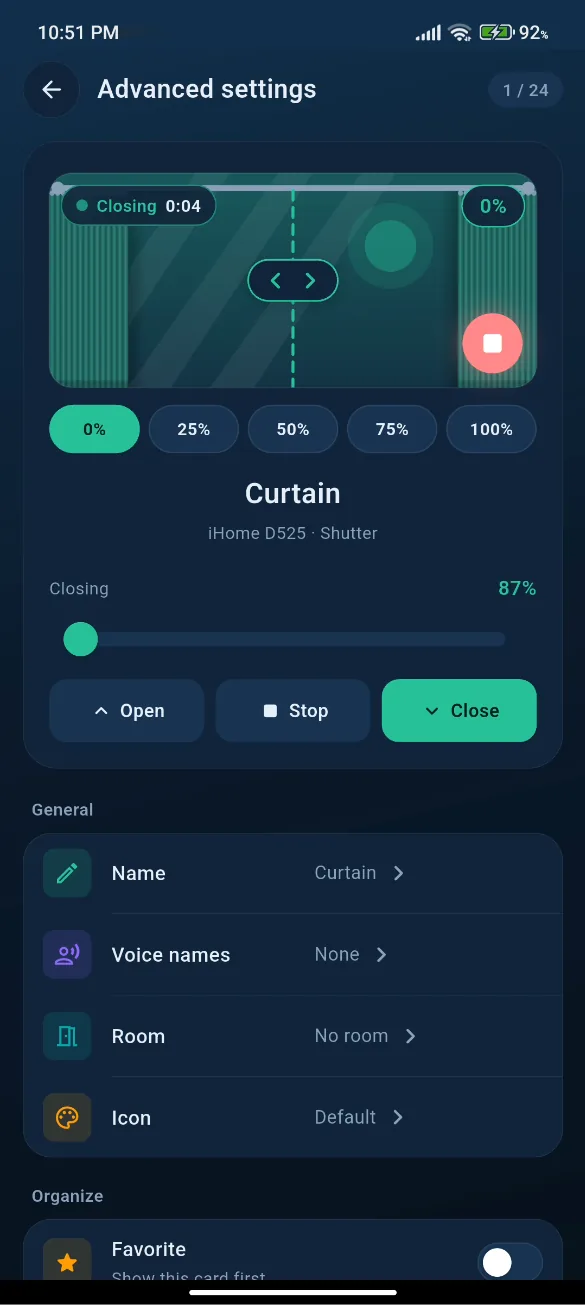
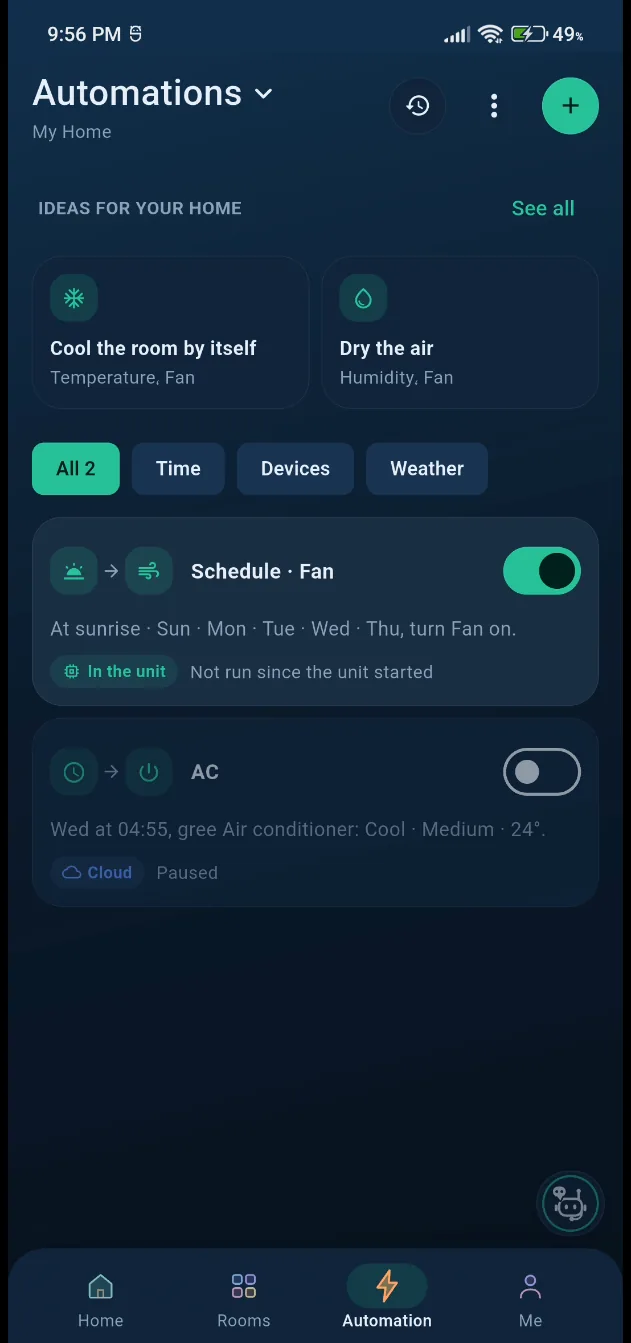
Up and running in three steps
From downloading the app to controlling your first light.
Browse by topic
Every part of the app, explained the way you use it.
Try it here
These are copies of the cards on the app's Home. Tap the light, slide the dimmer, open the curtain or change the AC: each card answers the way it does in the app.
A demo on this page: it does not control any device.iHome D525 · 6 cards
Made for real homes
Your phone talks to the units over your Wi-Fi, so lights and shutters keep answering when the internet is down.
Away from home, the app reaches your units through the iHomeegy cloud, with the same cards and the same speed.
Each unit keeps its own keys. Your home works locally first, and you decide who shares it.
Works with the assistants you already use
Link once from the app, then speak to your home in your own words.
Still need help?
Write to us and we will answer. info@ihomeegy.com